In 2026, the digitalization of Pakistan’s social safety nets has reached a peak. With the expansion of the Benazir Income Support Programme (BISP) and the Punjab Socio-Economic Registry (PSER), almost every social service is now tied to your PMT (Proxy Means Test) Score.
Naturally, this has led to a surge in searches for a “PMT Score Check App.” Citizens want a fast, one-click way to verify their eligibility on their smartphones. However, the world of mobile applications can be tricky, filled with unofficial tools that may put your data at risk.
This guide will clarify the status of official apps, teach you how to use available digital tools, and provide a roadmap for safe PMT score verification.
1. The Big Question: Is There an “Official” PMT Score Check App?
The short answer is no and yes, depending on which program you are applying for.
The BISP/8171 Position
Currently, the Benazir Income Support Programme (BISP) does not have a standalone app specifically named “PMT Score Check” on the Google Play Store or Apple App Store.
For federal programs, the government prioritizes the 8171 Web Portal and the 8171 SMS Service.
The BMIS – Phata App (Punjab Housing)
For residents of Punjab looking into the “Apni Chhat Apna Ghar” or affordable housing schemes, there is an official digital gateway.
The BMIS (Beneficiary Management Information System) app, developed by the Punjab Information Technology Board (PITB), allows housing applicants to track their applications and view their PMT scores directly within the app.
Warning: If you see an app on the Play Store called “BISP PMT Checker 2026” or “8171 Cash Checker,” check the developer name. If it is not “Government of Pakistan” or “PITB,” it is an unofficial app. While some are helpful informational guides, others may be designed to steal your CNIC data.
2. Why the Government Uses Web Portals Instead of Apps
You might wonder why the federal government hasn’t launched a dedicated BISP app for everyone. There are three strategic reasons:
Accessibility: Many BISP beneficiaries use basic feature phones or older smartphones with limited storage. Web portals are “lightweight” and don’t require an installation that takes up memory.
Security: Managing a database of 100 million CNICs requires extreme security. High-traffic web portals are easier for government servers to protect than individual app installations.
Data Integrity: By keeping the verification centralized on the official portal, the government ensures that the PMT score you see is always pulled directly from the latest NSER (National Socio-Economic Registry) database.
3. How to Use the Official “BMIS” App (For Punjab Housing)
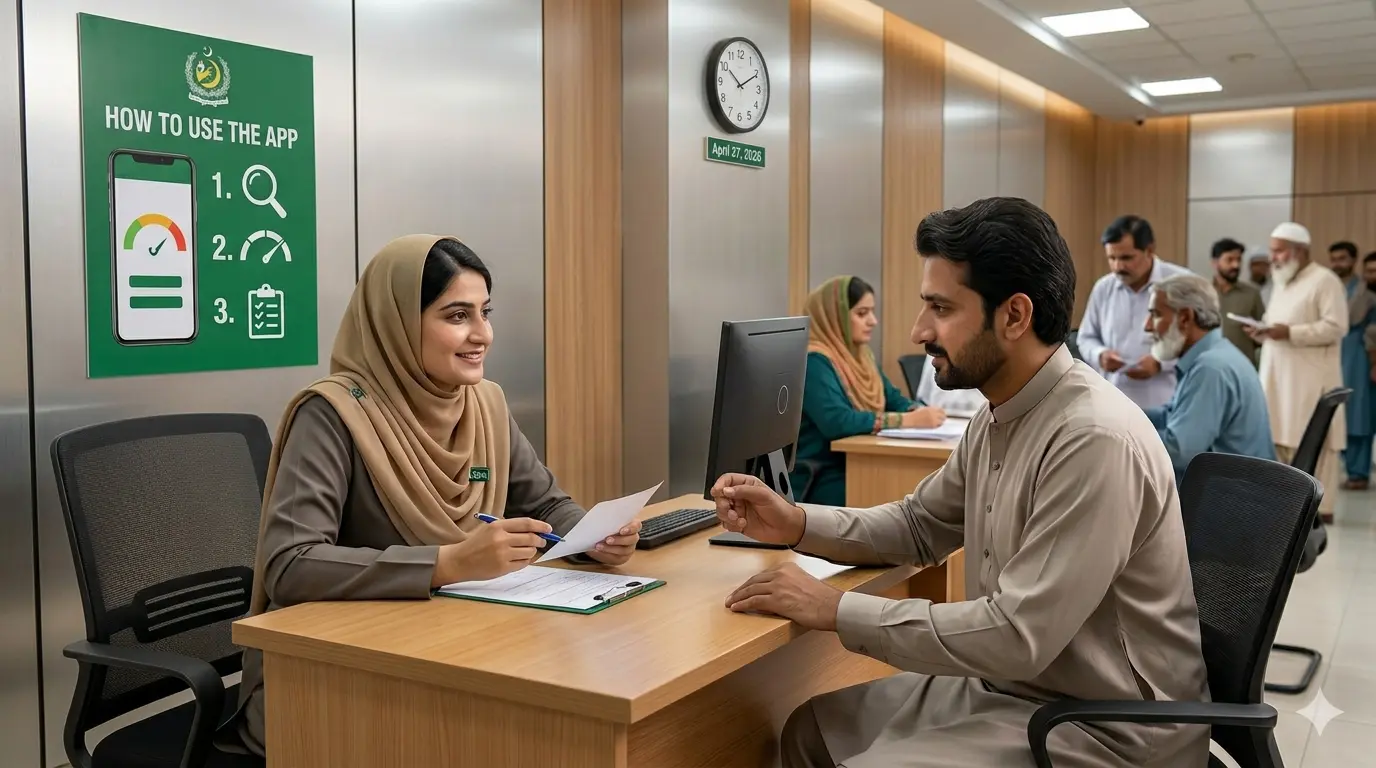
If you are a resident of Punjab applying for housing schemes, you can use an app to see your score. Here is the step-by-step guide:
Step 1: Download the App
Search for “BMIS – Phata” on the Google Play Store. Ensure the developer is the Punjab Information Technology Board.
Step 2: Registration/Login
Enter your 13-digit CNIC and the mobile number you used during your housing application. You will likely receive an OTP (One-Time Password) for security.
Step 3: Check PMT Score
Once logged in, navigate to the “Check Your PMT Score” or “Eligibility Status” section. The app will pull your data from the PSER (Punjab Socio-Economic Registry) and display your current score.
4. The Digital Alternative: Using the 8171 Web Portal on Mobile
Since there is no “official” BISP app, the best way to check your score on a smartphone is by using the mobile version of the web portal. It works exactly like an app but is more secure.
Step-by-Step Mobile Portal Guide:
- Open Chrome or Safari: On your phone, go to the official 8171 government web portal.
- Enter CNIC: Type your 13-digit CNIC number in the first box.
- Captcha Code: You will see a 4-digit number in an image. Type that number exactly into the second box.
- Submit: Click the green button.
- Result: The screen will tell you if you are eligible. While it might not show the raw number (e.g., “31.5”), it will tell you if you are below the required threshold for BISP Kafalat.
5. Using the “Pakistan Citizen Portal” App for PMT Issues
If you cannot find your score or believe your data is wrong, the Pakistan Citizen Portal (PCP) is the official app you should have installed.
- App Name: Pakistan Citizen Portal
- Purpose: To lodge complaints if your PMT score is not being updated or if you were unfairly disqualified.
- How to use for PMT:
- Open the PCP app.
- Select “Poverty Alleviation” or “BISP” as the category.
- Submit a grievance stating that your NSER survey was completed, but your score is not reflected.
6. Identifying Fake “PMT Check” Apps
Dozens of apps claim to give you your PMT score. Here is how to spot the fakes and stay safe:
| Red Flag | Description |
| Too Many Ads | If the app shows a popup ad every time you click, it is a “money-making” app, not a government tool. |
| Asking for Money | BISP and PMT checks are 100% free. Any app asking for a fee is a scam. |
| Generic Developer | If the developer is “AppsHub,” “CoolTools,” or a personal Gmail address, it is unofficial. |
| Requesting Contacts | An eligibility check app has NO reason to access your contact list or photos. |
7. How to Get Your Score Without an App (Offline)
If you are in an area with poor internet where apps won’t load, the government provides an offline “digital” method.
The 8171 SMS Method:
- Open your phone’s Messages app.
- Create a new message.
- Type your CNIC number (no dashes).
- Send it to 8171.
- You will receive an SMS response. The same system generates this response an app would use, making it the most reliable offline method in Pakistan.
8. Why Your Score Might Not Show Up in Any App
If you use the official BMIS app or the portal and see “No Record Found,” it is usually due to one of these three reasons:
- Expired Survey: NSER data usually needs to be refreshed every 2-3 years. If your last survey was too long ago, your data might have been archived.
- CNIC Expiry: If your NADRA CNIC has expired, your PMT score is often suspended until you renew your ID card.
- New Registration: If you recently registered at a BISP Tehsil Center, it can take 45 to 90 days for the algorithm to assign you a score.
9. Improving the “App Experience” for Your Score
If you want the convenience of an app without the security risks of third-party software, you can “Create a Shortcut” on your phone:
- Open the official 8171 website in Chrome on your phone.
- Tap the three dots in the top right corner.
- Select “Add to Home Screen.”
- Name it “PMT Score Check.”
Now, an icon will appear on your phone’s home screen just like an app.
Conclusion
While the dream of a single, all-in-one “PMT Score Check App” for all of Pakistan is still being realized through provincial efforts like the BMIS app, the safest way to check your status remains the official government portals.
In 2026, data privacy is more important than ever. Avoid downloading unofficial apps that ask for your CNIC or personal details.
Instead, use the official web-based tools, the 8171 SMS service, or the Pakistan Citizen Portal for grievances. Your PMT score is your key to government support—keep the data behind it safe!

I am Shan ALI, a Pakistani digital content creator with a strong interest in public welfare, government programs, and making official information accessible to ordinary citizens.